
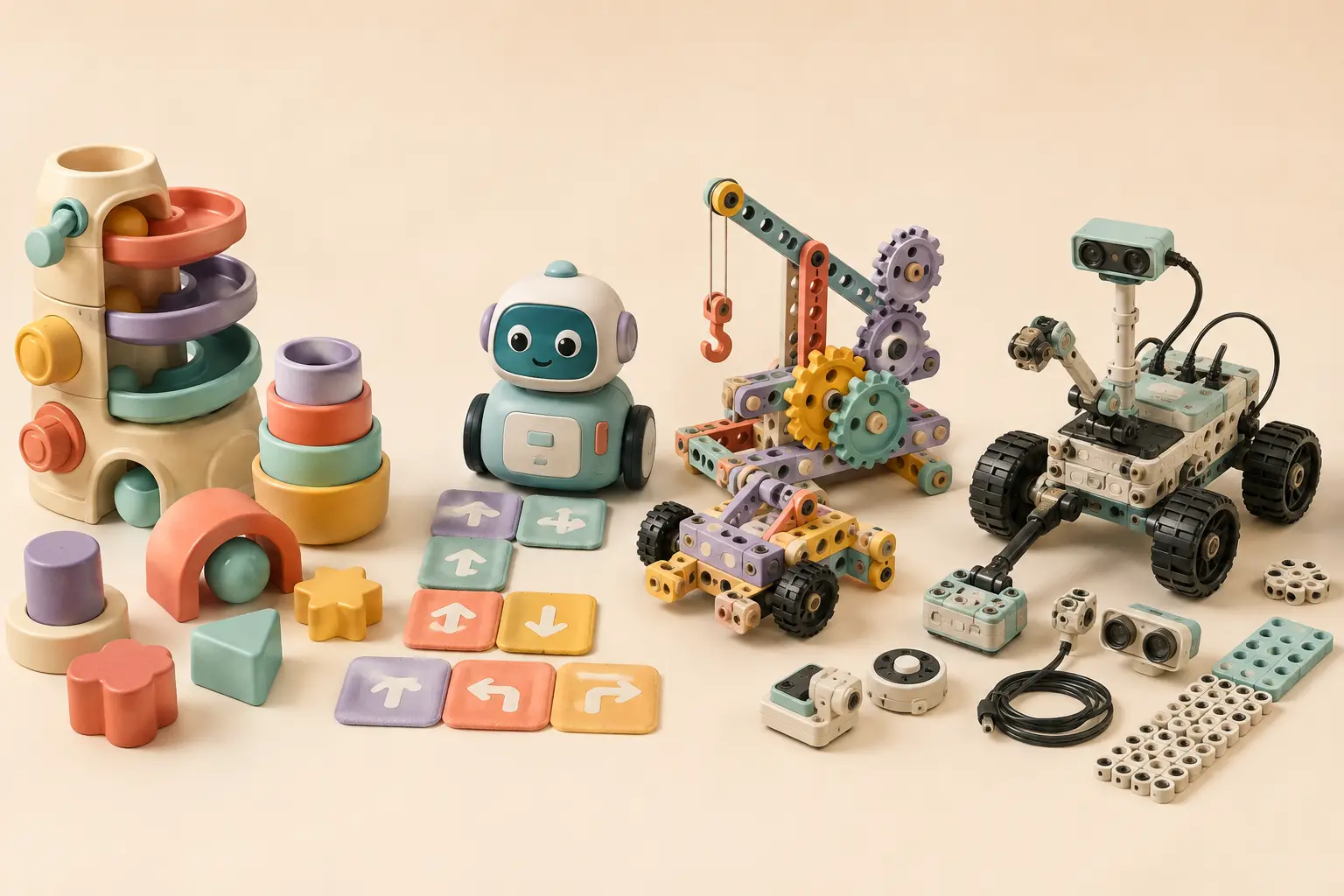
What makes a STEM toy age-appropriate?
The age on the box matters, especially when it reflects small-parts testing or a choking warning. But developmental fit needs a second look. Ask whether the child can understand the goal, physically manage the pieces, recover from a mistake, and play without an adult doing most of the interesting work.
The American Academy of Pediatrics recommends toys that match a child’s current abilities while encouraging new skills. It also emphasizes hands-on, social, and imaginative play. A motor, microphone, or app does not automatically make a toy educational; the child should still be deciding, building, predicting, testing, or explaining.
| Stage | Look for | Avoid as the main experience | Typical parent role |
|---|---|---|---|
| Ages 3–4 | Large pieces, matching, movement, pretend stories | Reading-heavy instructions and tiny construction parts | Model one idea, then play together |
| Ages 5–6 | Directional commands, short sequences, simple builds and observable science | Long setup before the first success | Start the first challenge and ask questions |
| Ages 7–9 | Block coding, experiments, sensors, modular builds and creative goals | One-trick toys with no progression | Help with setup, then step back |
| Ages 10–12 | Open projects, debugging, mechanics, Python pathway and expansion | Closed activities they will finish in one afternoon | Support planning and safe tool use |
Big pieces and instant cause-and-effect
For preschoolers, “STEM” can be as simple as predicting where a ball will roll, matching a shape, building a stable tower, or giving a character one direction at a time. Look for sturdy controls, short play cycles, and room for pretend stories.
Good starting types: large gears, ramps, magnetic building with age-appropriate pieces, simple audio learning, and beginner coding characters designed for preschool use. SmartMax My First Animals Around the World adds oversized magnetic animal building for ages 1–5, while Coding Critters can connect directional play with an animal story for children who meet the manufacturer’s age guidance.
Plan, run, notice, fix
This is a strong stage for screen-free coding, physical construction and short science activities. Children can place or enter several commands, predict a route, watch the result, and change the sequence. They can also build, test and compare simple physical designs.
Botley 2.0 is designed for ages five and up and uses a handheld programmer, coding cards, obstacles, and longer sequences. Boxineers Cardboard Vehicles adds reusable cardboard engineering, while Pixel Art Pro combines spatial reasoning, patterns and early coding concepts.
For science and nature, compare the Great White Shark Dissection Lab and Build a Bee Habitat. Both are age 6+ but require different adult involvement.
Combine coding, building and science with a real goal
Children in this range often need more than “make the robot move.” Look for mazes, experiments, music, drawing, sensors, storytelling, a launch to measure, or a build they can modify. The goal should make the underlying STEM idea meaningful.
Wonder Workshop Dash offers a ready-to-use robot and an app-based progression. Coding Chameleon provides a screen-free physical-programming alternative for age 8+, while the LEGO Education Moon Mission Science Kit combines space-themed building with physical science experiments.
For physical science, the National Geographic Power Rocket turns repeated launches into aerodynamics observations, and the Barbie Chemistry Activity Lab provides lab-style reactions; we use the more conservative age-8+ guidance because current age labels conflict.
For a mixed digital path, National Geographic VR Extinction combines a physical book and fossil puzzle with app-powered AR/VR. Its physical kit is 8+, but parents should follow the separate device/headset guidance for immersive use.
Choose a platform, not a finished trick
Older children benefit from hardware that supports multiple projects, sensors, debugging, mechanics, and a path beyond the starter lessons. They may still prefer visual block coding at first; a good kit lets them progress without making text syntax the price of admission.
Makeblock mBot2 supports block-based coding and Python with expandable sensors and build forms. For a non-coding mechanics path, the National Geographic 4-Cylinder Engine Building Kit exposes pistons, valves and gears in a working model for age 10+.
See current Amazon listing ↗Three filters that matter more than “educational”
Can the child produce a satisfying result within roughly ten minutes, or will setup consume the whole first session?
Can they invent a new route, build, rule, story, experiment, or program after the included challenges are complete?
Will the child make most decisions, or will an adult spend every session repairing connections and translating instructions?
Safety in mixed-age homes
If a younger sibling shares the space, follow the strictest relevant warning. The U.S. Consumer Product Safety Commission notes that products intended for children under three cannot present a small-parts choking, aspiration, or ingestion hazard. Store older-child construction pieces, batteries, cables, marbles and detachable sensors in a lidded bin between sessions.