
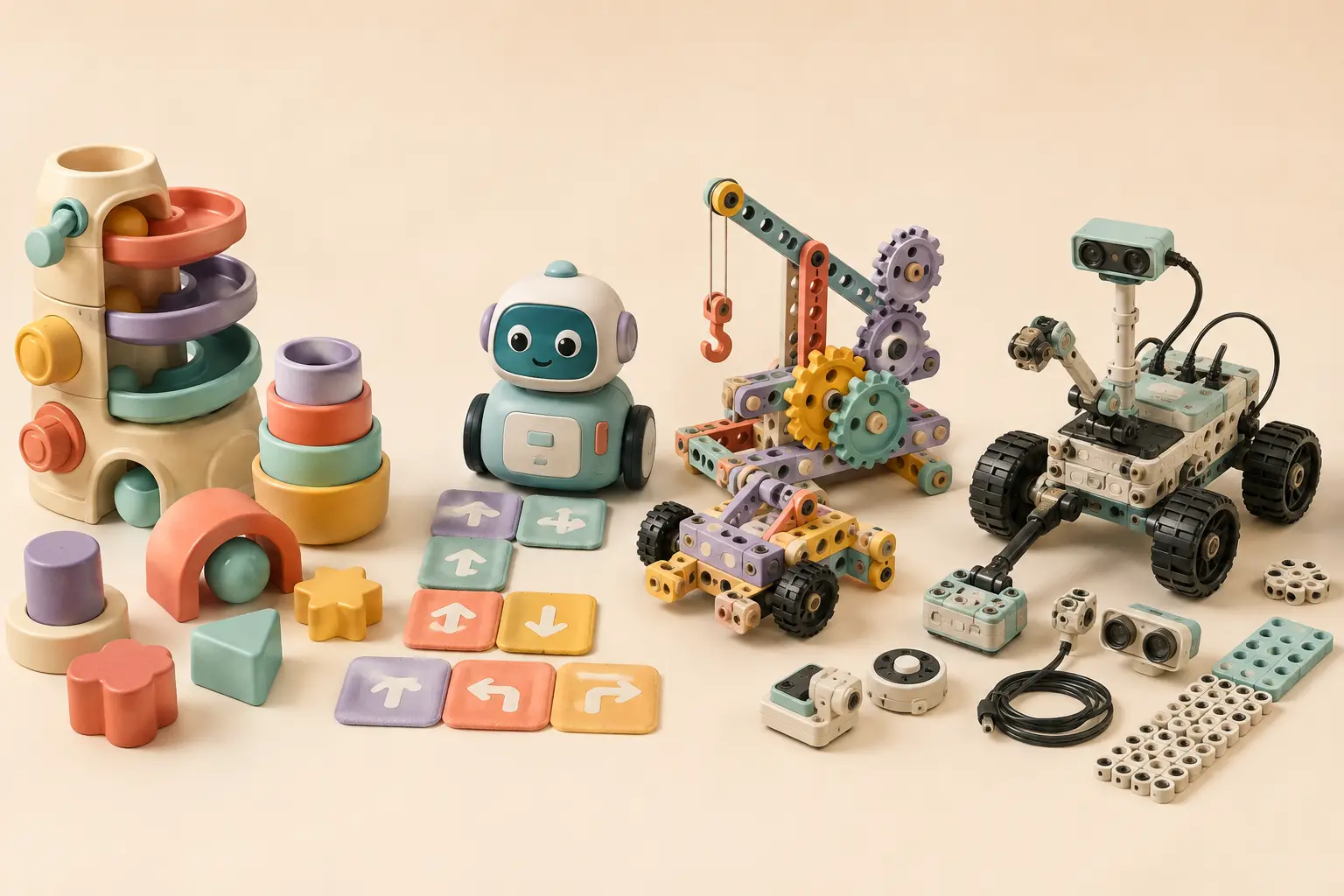
New 2026 building and logic options for age five
STEM Explorers Pixel Art Pro is age 5+ and combines a 20×20 board, 750 reusable foam pixels and 28 leveled challenges around patterns, spatial reasoning and early coding concepts. Boxineers Cardboard Vehicles is also age 5+ and turns household cardboard into reusable engineering builds with child-sized tools and connectors.
Barbie Sparkle Marble Run targets ages 5–7 and adds track design, gravity and repeated testing. Because it includes loose marbles, careful storage is important in homes with younger siblings.
What a 5-year-old is ready to practice
A strong age-five STEM activity does not need advanced math or text coding. Look for sequencing, prediction, cause and effect, spatial reasoning, sorting, building, simple debugging and explaining why a result happened. The child should be able to make meaningful choices before an adult takes over.
| Pick | Best for | Screen? | Why it fits age 5 |
|---|---|---|---|
| Botley 2.0 | First coding robot | No | Learning Resources rates it ages 5+ and uses command sequences, obstacles, loops and visible outcomes. |
| Coding Critters | Story-led early coding | No | Learning Resources rates the line ages 4+; the animal stories lower the barrier for children who still prefer pretend play. |
| Kids First Coding & Robotics | Physical coding models | No | The kit aligns lessons with K–2 computer-science concepts including sequences, loops and debugging. |
| LEGO Education CS & AI K–2 | Hands-on classroom CS/AI | Web/iOS coding canvas | The K–2 kit uses building, a motor, color sensor, sequences, events, hardware concepts and age-appropriate AI/data lessons. |
Best overall: Botley 2.0
Botley 2.0 is unusually well matched to the “plan → run → fix” cycle that makes early coding concrete. Learning Resources lists it for ages 5+ and says children can build command sequences with coding cards and a remote programmer without a phone or tablet. The activity set also adds obstacles and building elements, so the child can invent routes instead of only replaying one challenge.
Best for story-driven beginners: Coding Critters
Coding Critters can be a better first step when a five-year-old enjoys animals and pretend stories more than “robotics.” Learning Resources currently lists the Coding Critters line for ages 4+ and describes it as screen-free sequencing, logic and problem-solving play. The story layer can make directional coding feel like a mission rather than a lesson.
Best deeper screen-free curriculum: Kids First Coding & Robotics
Thames & Kosmos connects physical models and code cards to a broader set of computer-science ideas. Its curriculum materials align activities with K–2 standards covering algorithms, sequences, loops, program planning and debugging. It is more piece-heavy than Botley, so it works best when an adult can help with the first builds and organization.
Best premium classroom-style option: LEGO Education CS & AI K–2
LEGO Education's current K–2 Computer Science & AI kit is designed for four-student classroom groups and is priced accordingly. It includes LEGO bricks, a motor, color sensor and 30 lessons across basics, hardware, events, sequences, loops and AI/data. LEGO says projects are saved locally and student lessons use PIN access rather than student logins. It is overkill for many home buyers, but a strong benchmark for what hands-on, age-appropriate CS/AI learning can look like.
What to avoid at age five
- Long setup before the first success. If an adult spends most of the session troubleshooting, the child is not practicing the STEM skill.
- “Smart” toys with no clear learning action. Ask what the child actually predicts, builds, sequences, tests or explains.
- Pieces below the household's safe age range. Follow the manufacturer warning and keep older-child parts away from younger siblings.
- Buying for future difficulty. A toy that is technically “advanced” but frustrating now can produce less learning than a simpler system the child controls independently.
Age 5 vs. age 6
At six, many children can manage longer sequences, more independent model building and app-based coding with less adult help. If your child is already comfortable planning multi-step routes, see our STEM toys for 6-year-olds guide for the next step.