
What parents should look for
The strongest choice depends on what you want the robot to do. A screen-free coding robot, a conversational learning robot, and an expressive robot pet can all be useful—but they teach different skills and create different setup and privacy burdens.
Robotics curiosity
Look for movement, sensors, cause-and-effect challenges, or programmable behavior that gives the child something to test and change—not only something to watch.
Coding foundations
Not every AI robot teaches programming. For coding, prioritize sequencing, loops, debugging, sensors, or repeatable challenges over conversational features alone.
Interactive movement
Check floor-space needs, obstacle detection, wheels or moving parts, charging habits, and whether younger children need adult supervision around a mobile robot.
Technology literacy
Connected robots can introduce microphones, cameras, apps, accounts, cloud processing, and permissions. Parents should understand which features are optional and who controls them.
Featured reviews

Miko Mini
A compact conversational robot built around STEAM activities, voice interaction, movement, and parent controls.
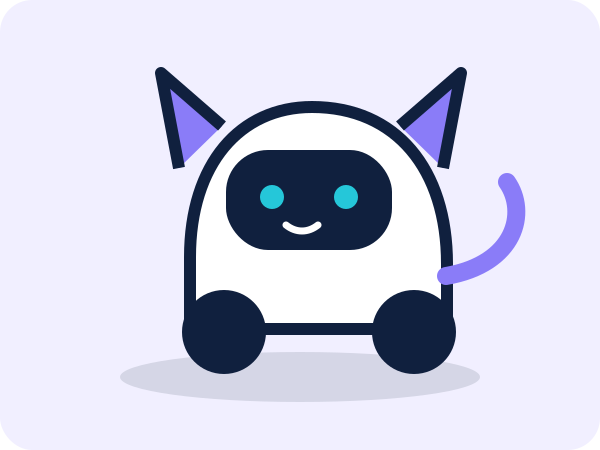
Loona Robot Pet
An expressive mobile robot pet with movement, camera-based interaction, games, voice features, and app-connected controls.
Our buying checklist
- Start with the manufacturer’s current age guidance and warnings.
- Decide whether the goal is coding practice, conversation, imaginative play, or a robot-pet experience.
- Check whether core features require Wi-Fi, an app, an account, or a subscription.
- Read the privacy policy before enabling microphones, cameras, profiles, location, or remote access.
- Compare total ownership cost and what still works if the app, subscription, or cloud service changes.