
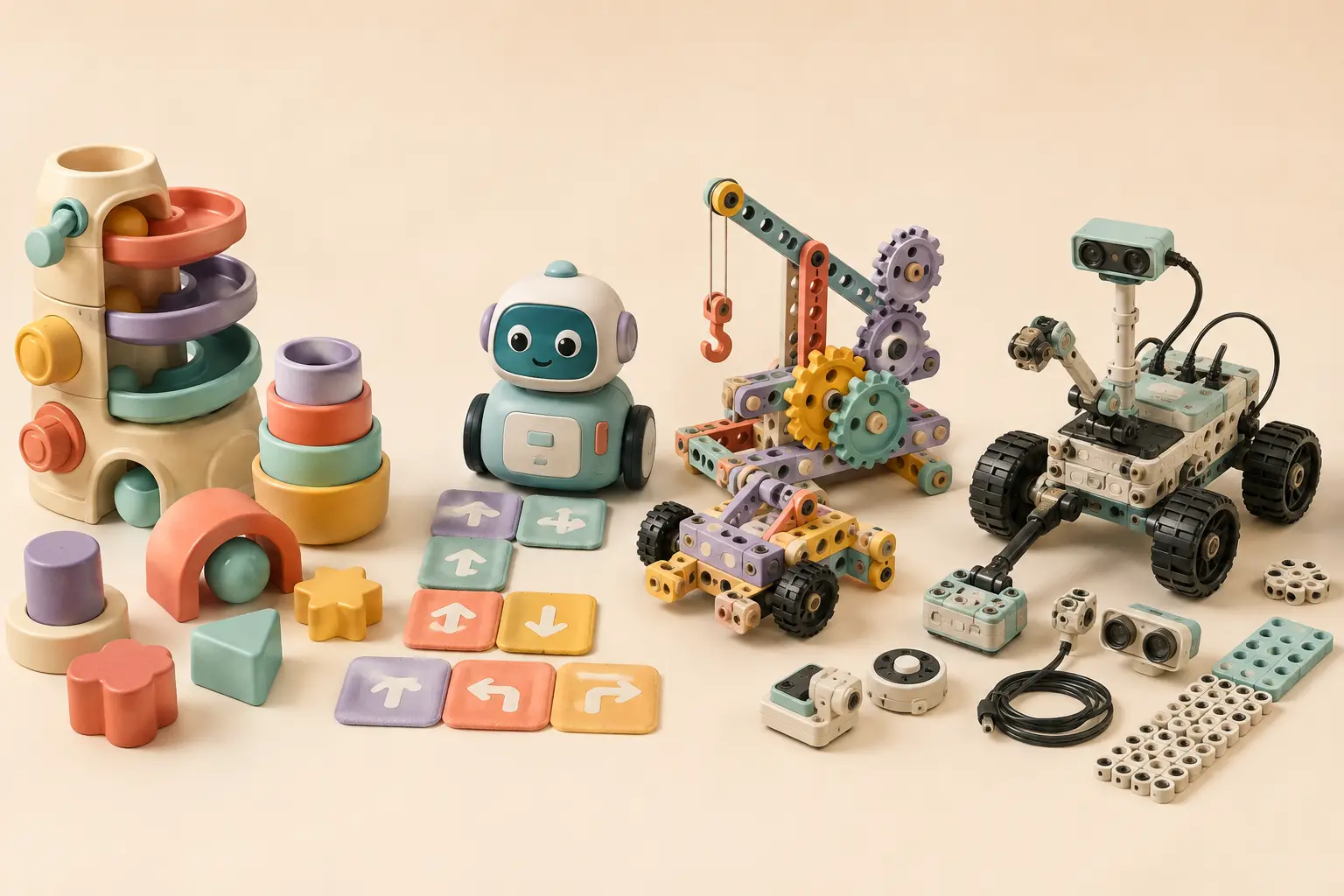
New 2026 science and building options for age seven
Barbie Sparkle Marble Run targets ages 5–7 and makes gravity, track design and repeated testing visible. Boxineers Cardboard Vehicles is age 5+ and supports open-ended construction using household cardboard and reusable hardware.
For science, the National Geographic Great White Shark Dissection Lab and Build a Bee Habitat are both age 6+. One is a supervised anatomy activity; the other extends into real outdoor pollinator observation.
| Pick | Best for | Screen? | Age-seven advantage |
|---|---|---|---|
| Wonder Workshop Dash | Creative robot coding | Yes | Wonder Workshop designs Dash mobile apps for kids 6+; sequences, loops, events and conditions can drive open-ended robot missions. |
| Kids First Coding & Robotics | Structured screen-free coding | No | Physical models and K–2-aligned algorithms, loops and debugging create a deeper lesson path without a tablet. |
| Botley 2.0 | Independent screen-free practice | No | Ages 5+ with long sequences, loops and obstacle sensing; useful when simplicity matters more than app depth. |
| LEGO Education CS & AI K–2 | Hands-on CS/AI curriculum | Web/iOS canvas | Building and sensors connect code to hardware, events, sequences, loops and AI/data concepts. |
Best overall step up: Wonder Workshop Dash
Dash makes coding affect a physical robot while leaving room for child-created missions. Wonder Workshop says its Dash and Dot apps are designed for kids ages 6+ and describes learning experiences around sequences, loops, events and conditions. At seven, that combination can support a shift from copying a route to planning a game, drawing challenge or obstacle mission.
Best screen-free progression: Kids First Coding & Robotics
For households avoiding a tablet, Kids First gives a seven-year-old more structure than a basic directional robot. Its physical code cards and models map to algorithms, loops, planning and debugging. The tradeoff is more pieces and more build setup.
Best low-friction screen-free option: Botley 2.0
Botley is still useful at seven if the child prefers immediate physical coding and is not ready for an app-heavy platform. Raise the challenge rather than replacing the toy: require loops, multiple solutions, obstacle sensing or a route planned completely before pressing go.
Premium classroom-style choice: LEGO Education CS & AI K–2
LEGO Education's K–2 system pairs bricks, a motor and color sensor with 30 lessons spanning hardware, events, sequences, loops and AI/data. It is designed for classroom groups and carries a premium price, so home buyers should be sure they want the curriculum rather than simply the LEGO brand.
What should change from age six?
Look for more ownership. The child should increasingly define the route, rule or goal, explain why the first attempt failed and decide what to change. If the adult is still designing every challenge, the toy may be too complicated or the prompt too vague.