
Three current AI learning paths
Conversational learning robot
Miko Mini: Miko currently lists Mini at $149. Its April 2026 support guidance says the integrated learning experiences are designed for ages 5–10. Core use works without Miko Max, but several learning, entertainment, progress and parent-control features are limited without the premium plan.
Fuller screen-and-voice learning robot
Miko 3: Miko currently lists Miko 3 at $299 and positions it for ages 5–10. It adds a touchscreen and a broader interaction model, while sharing the same need to review Miko Max, parent controls and connected-data tradeoffs.
Creative AI that becomes physical play
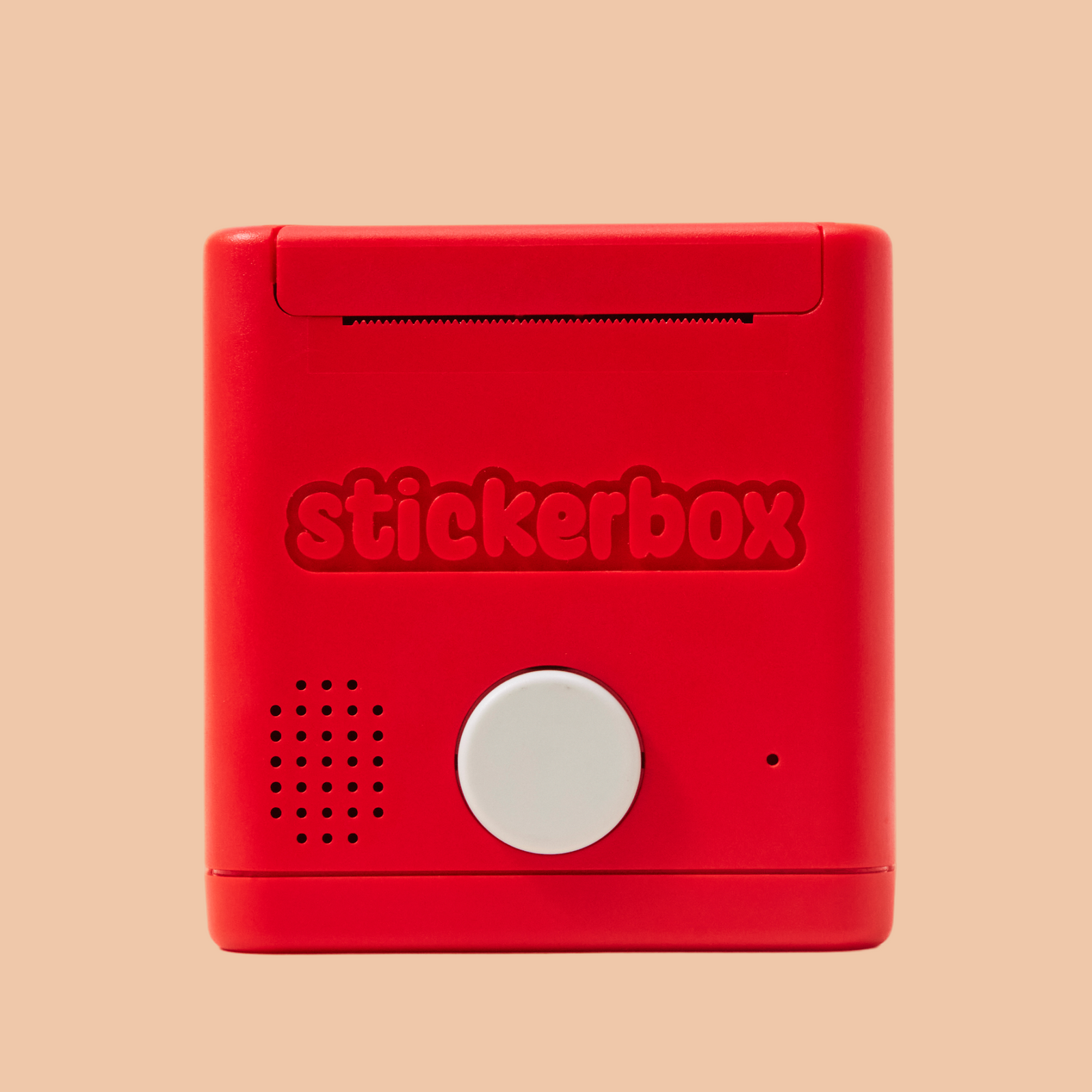
Stickerbox: the current official product is $129.99, designed for ages 5+, and turns a spoken prompt into a thermal sticker for coloring and storytelling. Stickerbox says it only listens when the button is pressed and does not store voice data long term.
What parents should look for
Start with a specific learning goal. “AI-powered” is not the same as educational value; the toy should give the child something meaningful to practice, create, explain, sequence or solve.
Active thinking
Prefer prompts that ask the child to explain, choose, recall, build or create over products that mainly generate answers for passive consumption.
Age-specific content
Use the manufacturer’s current age guidance for the learning experiences, not only the broad marketing age on a retailer listing.
Parent controls that match the plan
Check whether important controls, progress reports or content libraries require a subscription. A feature that exists only on a paid tier should not be treated as part of the free ownership experience.
Clear data boundaries
For microphones, child profiles and cloud AI, read the current privacy policy and understand when listening starts, what is retained, what parents can delete and what changes when AI conversation is disabled.
Featured reviews

Miko Mini
Lower-cost Miko entry with conversational learning, ages-5–10 learning guidance and an optional Max premium layer.
Miko 3
Ages-5–10 connected learning robot with touchscreen interaction, parent controls and optional Miko Max content.
Stickerbox
Voice-to-sticker AI for ages 5+ with button-activated listening, thermal printing and refill-paper ownership cost.
Our buying checklist
- Start with the manufacturer’s current age guidance and warnings.
- Name the skill you want the child to practice before choosing the product.
- Check whether core features require Wi-Fi, an app, an account or a subscription.
- Review microphones, child profiles, data retention, parent controls and deletion options.
- Compare total ownership cost and whether the toy stays useful if premium or cloud features change.