
What changed for AI-toy safety in 2026?
Two developments make this checklist more urgent. In March 2026, University of Cambridge researchers reported that generative-AI toys used with young children could misunderstand children, react inappropriately to emotions, and struggle with developmentally important social and pretend play. The researchers encouraged parents to research these products before buying and to use them with children in shared family spaces.
Privacy enforcement also moved closer to the toy aisle. The Federal Trade Commission’s 2025 action against robot-toy maker Apitor alleged that a companion app enabled a third party to collect children’s precise location without the parental notice and consent required by COPPA. That case is a useful reminder that parents should evaluate the app and third-party services around a toy—not only the physical toy itself.
What this means for parents: safety is broader than choking hazards and batteries. For connected AI products it also includes data collection, third-party software, conversational behavior, account controls, updates, and where the device is used.
1. List every sensor and connected feature
Do not rely on the word “smart.” Look for a plain list of hardware and services: microphone, camera, face or voice recognition, Bluetooth, Wi-Fi, location permission, remote viewing, cloud processing, and companion app. A toy that only follows commands from a physical remote presents a different privacy decision than a camera-equipped robot that can be accessed from another phone.
Ask one simple question for each feature: What information does this collect, where does it go, and can the toy work without it?
2. Find the child-data section of the privacy policy
The FTC explains that COPPA covers online services directed to children under 13 and can apply to connected toys. Audio containing a child’s voice can count as personal information, although the FTC has described a limited enforcement policy for brief voice processing used only to fulfill a spoken request. The details matter, so parents should check the specific product’s policy rather than assume every microphone works the same way.
Look for clear answers to these questions
- Is voice, video, location, or other child data stored, or only processed temporarily?
- Are outside service providers or software-development kits involved?
- Is data used for advertising, personalization, product improvement, or model training?
- How can a parent view or delete a child’s information?
- How long is data retained after an account is closed?
3. Make sure the adult owns the account
The parent or guardian should control the email address, password, purchase approvals, child profiles, remote-access settings, and privacy choices. Use a unique password and turn on stronger sign-in protection when offered. Do not reuse a child’s school password or let the child create an account with an incorrect age.
During setup, deny permissions that do not seem necessary. If the toy needs location access only to pair over Bluetooth, check whether that permission can be removed after setup without breaking normal use.
4. Check cameras, microphones, and remote access separately
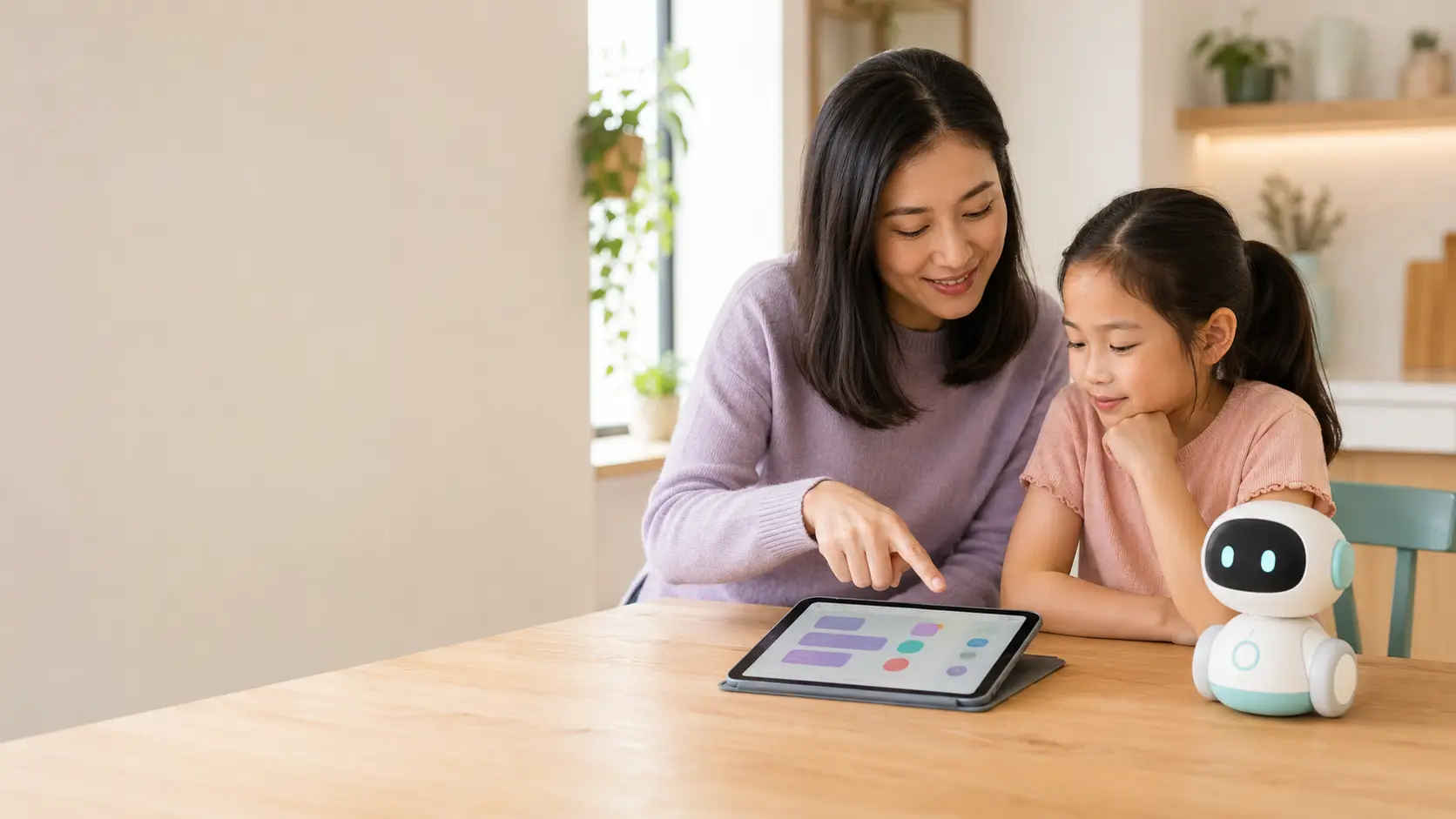
A mobile robot with a camera may offer navigation, face detection, video calls, or home monitoring. Those are separate decisions. If the family wants games but not remote viewing, confirm that the remote feature can stay off. For microphone- or camera-equipped toys, shared family spaces make supervision easier and reduce unnecessary exposure in private areas.
5. Test the AI behavior, not just the feature list
Open-ended conversational AI can generate responses instead of following a fixed script. Before handing a toy over for independent use, review the manufacturer’s age guidance, moderation claims, parent controls, and any transcript or activity-review features. When possible, try the toy alongside the child first and ask ordinary as well as unexpected questions to understand its boundaries.
For younger children especially, the Cambridge research supports keeping adults involved in the interaction rather than treating the toy as an unsupervised companion.
6. Calculate the real cost and the “offline test”
Connected toys may have memberships, premium content, replacement cards, accessories, cloud services, or a free trial that renews. Add the toy price, required compatible device, one year of optional-but-important content, and normal accessories. A lower-priced toy with a recurring plan can cost more than a higher-priced offline kit.
Then ask what remains if the app is discontinued or the manufacturer changes a cloud service. Can the child still drive the robot, play downloaded audio, or use physical coding activities? Products with useful offline play are generally more resilient to account changes and Wi-Fi problems.
7. Check support, recalls, and your family rules
Before buying, check the manufacturer’s support page for current setup instructions, compatibility lists and safety notices, then search the NextGenBabyPlay Toy Safety Center and the official CPSC database for recalls that match the exact model and edition.
A simple family rule set
- Use connected toys in a shared room.
- Keep the adult account and app on the parent’s device.
- Set a clear start and stop time.
- Teach children not to share real names, addresses, school details, passwords, or family secrets.
- Review permissions after major app or firmware updates.
Red flags that should slow down the purchase
- No privacy policy linked from the product or app listing.
- Vague statements about sharing data with “partners.”
- No clear parent account, consent, or deletion process.
- Location, contacts, or photo access requested without a clear feature reason.
- A remote camera or microphone feature that cannot be meaningfully controlled.
- No clear software-support path for a cloud-dependent product.
- A product that becomes nearly useless without a recurring plan.
AI toy safety FAQ
Are AI toys safe for kids?
Some may be a reasonable fit for a family and others may not be. Evaluate the exact product, the child’s age, sensors, data practices, AI behavior, account controls, software support, recall history, and supervision plan instead of relying on a blanket “safe” label.
Do AI toys record conversations?
Some connected toys use microphones to process spoken requests, and practices vary. Check whether audio is transmitted, stored, retained, shared with service providers, or deletable. The FTC specifically discusses connected toys and children’s voice audio in its COPPA guidance.
What age is appropriate for an AI toy?
Follow the manufacturer’s age grading, then consider whether the child can understand that the toy is a machine, follow privacy rules, and ask an adult for help when a response is confusing. For very young children, current research supports close adult involvement.
Should an AI toy be used in a child’s bedroom?
For connected toys with microphones, cameras, or open-ended conversation, shared family spaces make supervision and privacy management easier. Follow product-specific instructions as well.
Sources and further reading
- University of Cambridge: report calling for AI-toy safety standards, March 13, 2026
- Federal Trade Commission: Apitor robot-toy privacy action
- Federal Trade Commission: 2025 COPPA Rule changes
- FTC: COPPA frequently asked questions, including connected toys and child voice audio
- U.S. Consumer Product Safety Commission: official recalls database