

Owner feedback status
We do not publish a star score here unless a stable aggregate from an approved source can be attributed and rechecked. This review focuses on current manufacturer documentation, parent setup burden and product fit.
Who Miko 3 fits best
Best fit: families who specifically want a child-focused conversational robot that mixes questions, stories, learning activities, movement and a parent-managed app. Miko's current support guidance places Miko 3 in the 5–10 age range.
What the $299 hardware buys
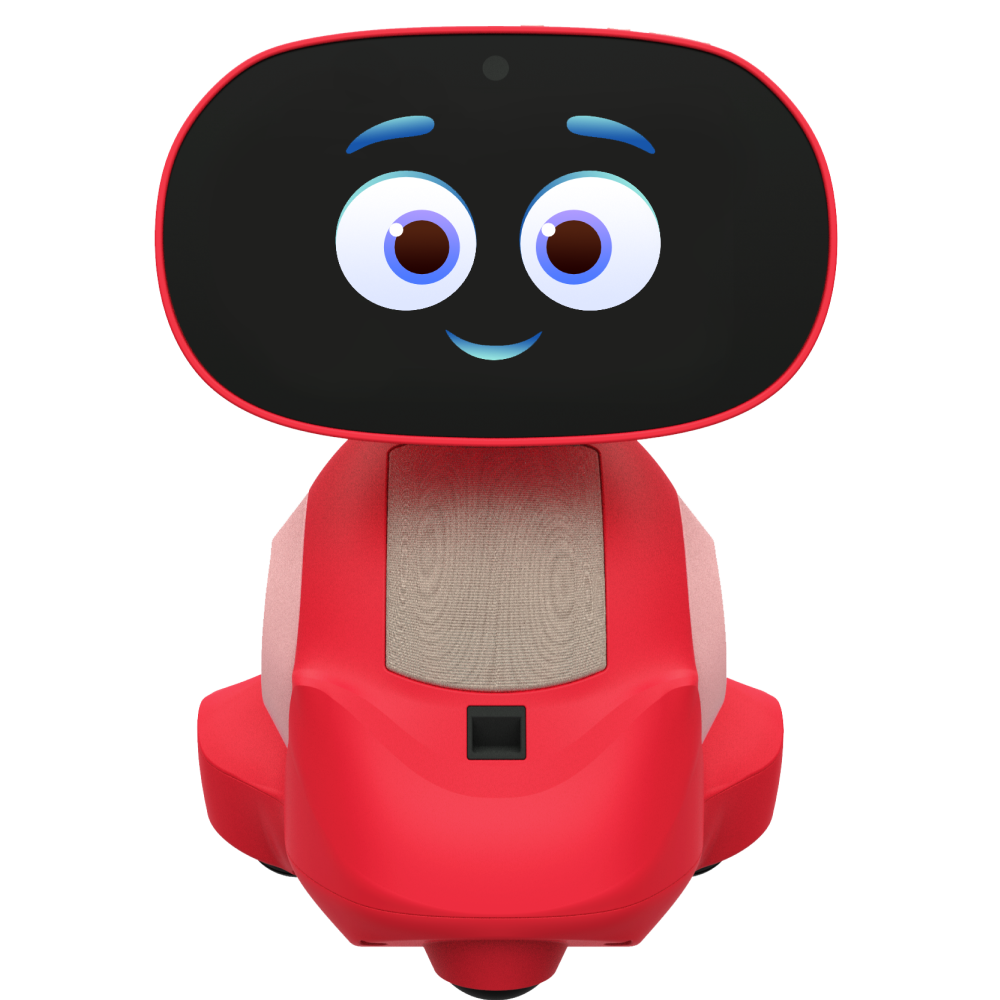
Miko 3 combines a touchscreen, movement, voice interaction, camera-enabled features, games, stories, learning activities and the Miko Parent App. Its value proposition is breadth: it is closer to a small connected learning platform than a single-purpose coding robot.
Free Miko vs. Miko Max
Miko 3 does not require Max for all use. Miko publishes a free non-Max tier, while Max expands premium partner content and broader access to some learning and entertainment features.
Miko's current Max FAQ lists standard pricing of $14.99 month-to-month or $99 per year. The live Max product page can show temporary annual promotions—in our September 4 check it displayed a lower promotional annual price. Treat the FAQ values as the standard plan reference and verify the current checkout offer rather than hard-coding a promotional monthly equivalent into your ownership budget.
What the learning value actually looks like
Miko 3 is strongest when a child uses conversation to ask follow-up questions, practice language, explore a topic, make a story or work through a learning activity. That is different from a construction or coding kit: the educational value is primarily conversational and content-led, not hands-on engineering.
Camera, microphone and AI controls
Miko says the Parent App provides usage and feature controls and lets parents disable the camera or microphone. Miko's April 2026 support documentation also describes an AI Conversation toggle: when AI Conversation is off, conversational skills such as Let's Talk, Story Maker and several explorer experiences are unavailable, while activities including Story Time, Music, Dance, Quizzes and Riddles can remain accessible.
What the 2026 privacy policy says
Miko's privacy policy was updated March 30, 2026. It says voice commands and microphone snippets may be transmitted so requests can be converted into machine-readable text and answered, while its retention table describes interaction voice/image data used to interpret requests as ephemeral. Miko separately says identifiable voice recordings are not stored.
That is more precise than saying “no audio is processed.” Audio may be processed for the service while identifiable recordings are not retained. Parents should review the current policy and settings before setup and again after major software changes.
Child-profile information
Miko says parent-directed setup can optionally include child-profile information such as name, photograph, date of birth and interests. Adults should use the minimum profile information needed for the experience they want.
Strengths
- Wide mix of learning, storytelling, games and movement
- Current 5–10 age positioning is clear
- Parent app includes usage and camera/microphone controls
- Core non-Max tier remains available
Tradeoffs
- $299 upfront cost
- Optional Max can materially increase ownership cost
- Camera, microphone, cloud processing and child-profile features require active privacy decisions
- Built-in screen makes it a poor match for fully screen-free families
Miko 3 vs. Miko Mini
Miko 3 is the higher-cost, more screen-centered and feature-rich choice. Miko Mini is the $149 lower-cost entry with a voice-first design. Both share the need to evaluate Max, Wi-Fi and parent-managed privacy choices.
Verdict
Miko 3 makes the most sense when one child will genuinely use its broad connected-learning ecosystem enough to justify a $299 device and possibly Miko Max. It is not the simplest first coding robot, and its camera, microphone, account and cloud-service decisions require active adult management, but the current documentation makes those tradeoffs easier to evaluate than a generic “AI learning robot” label suggests.