
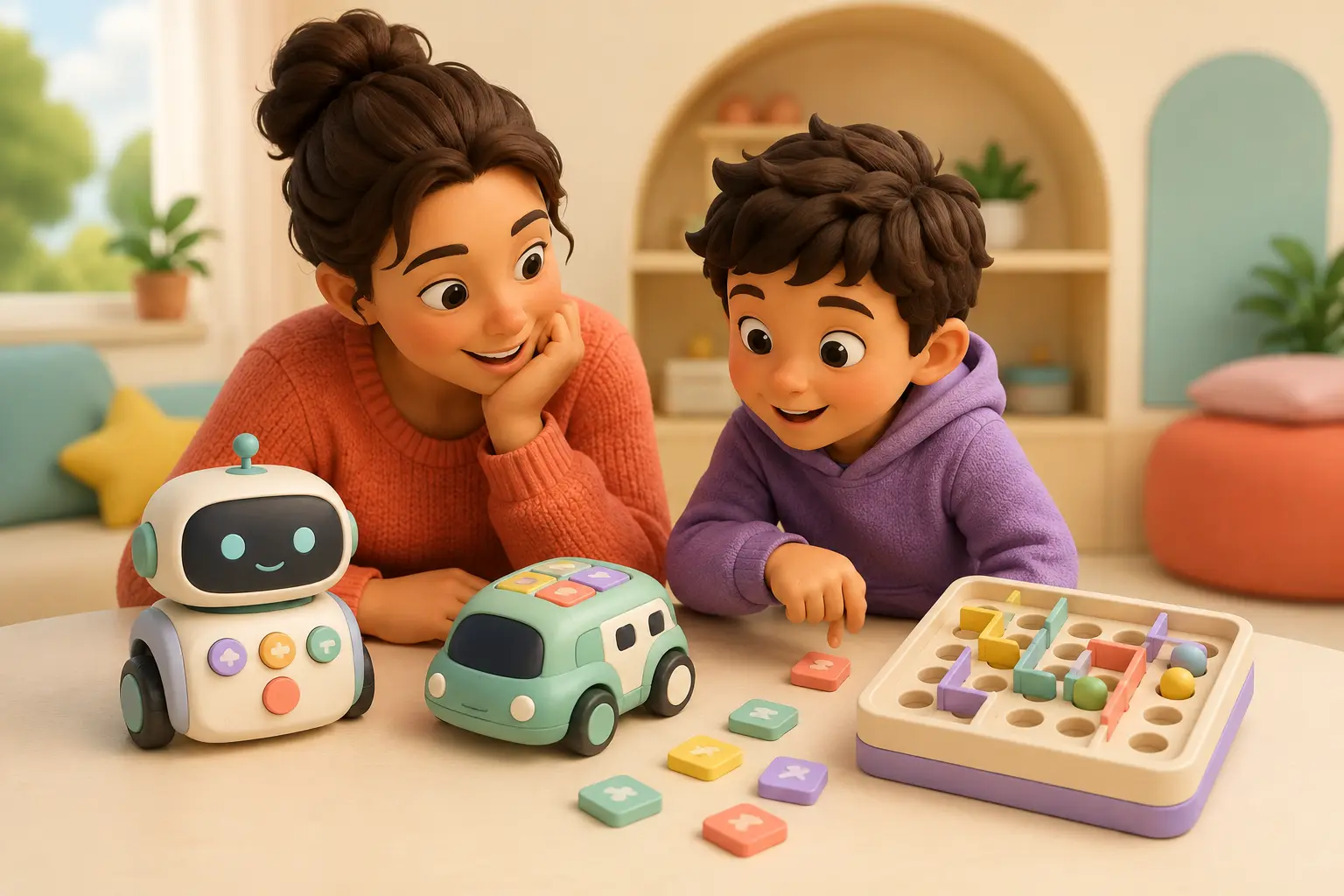
1. Can the child enter commands without adult translation?
For preschoolers and early readers, the interface should make the program visible without requiring long instructions. Common entry points are buttons, color tiles, coding cards or a simple handheld programmer. A child who cannot independently enter the next command is not yet getting the full coding loop.
| Child’s easiest interface | What it teaches first | Current example |
|---|---|---|
| Buttons + story play | Commands, sequences, loops | Tale-Bot Pro |
| Color tiles on the floor | Cause/effect and route debugging | Sphero indi |
| Handheld programmer | Longer screen-free sequences | Botley 2.0 |
| Visual coding app | Loops, events, functions, variables | Wonder Workshop Dash |
| Blocks + text coding | Programming depth and sensors | Sphero BOLT+ |
2. What does the child—not the toy—do?
Lights, voices and movement are not evidence of coding by themselves. The child should choose a sequence or rule, predict an outcome and have a way to alter the program when the result is wrong.
The child can say what they told the toy to do.
A wrong result points to a specific command they can change.
After solving the example, the child invents a new challenge.
3. How fast can they earn a first independent win?
For a true beginner, the first successful program should arrive quickly after adult setup. The important measurement is not an exact number of minutes; it is whether the child reaches the second attempt before frustration turns the session into adult-led troubleshooting.
A good first win might be reaching a paper treasure, making the robot draw a line, completing a color-tile route or creating a short sequence that avoids an obstacle.
4. Screen-free or app-assisted?
Screen-free is useful when the child is very young, device transitions are difficult or the family wants the programming logic to stay physically visible. App-assisted systems are useful when the child is ready for more command types and a longer learning runway.
5. Will the toy still teach something after the examples are finished?
Replay depth should come from new programs, not just more content. Look for longer sequences, loops, conditions, variables, sensors, construction constraints, drawings or text-based code. More downloadable missions do not automatically mean deeper learning.
A practical graduation test
If a child already understands sequences, can use loops, predicts a result and independently debugs errors, an early-learning robot may be too easy even if the age label technically includes them. That is when a platform such as BOLT+ or PYXEL may make more sense than another beginner toy.
6. What burden does the family inherit?
| Check | Question before buying |
|---|---|
| Setup | Assembly, charging, Bluetooth, local Wi-Fi, account creation or software updates? |
| Compatibility | If a device is required, does the exact phone/tablet/computer OS work with the current app? |
| Ongoing cost | Subscriptions, curriculum, cards, mats, accessories, batteries or replacement parts? |
| Privacy | Does core play involve an account, camera, microphone, cloud processing or child profile? |
| Safety | Manufacturer age label, small parts, moving wheels, charging, cords, magnets and younger siblings? |
| Storage | Can the command pieces, maps and accessories return to one obvious place? |
A two-minute pre-purchase test
- Name one thing the child—not the adult—will make happen.
- Identify exactly how the child enters the commands.
- Check the manufacturer age guidance and warnings.
- Identify every device, account or connection needed for core play.
- Name one harder challenge available after the first week.
- Decide what would make the toy too easy six months from now.
Try the coding loop before buying anything
Make a small grid with painter’s tape. One person plays the robot and another gives commands such as forward, turn left and pick up. Add one blocked square and a paper treasure. If the child enjoys planning, watching the mistake and changing the route, you have useful evidence about the interface they may enjoy.
FAQ
Should I choose by age or skill level?
Both, for different reasons. Use the manufacturer's age guidance for safety and developmental fit, then use the child's current sequencing/debugging skill to choose difficulty.
Is screen-free always better?
No. Screen-free systems can make early coding concrete, while app-assisted robots often provide deeper block and text-coding progression.
How can I tell if a toy is too easy?
If the child already creates sequences, uses loops and independently debugs errors, choose a platform with more programming depth rather than an early-learning interface.