
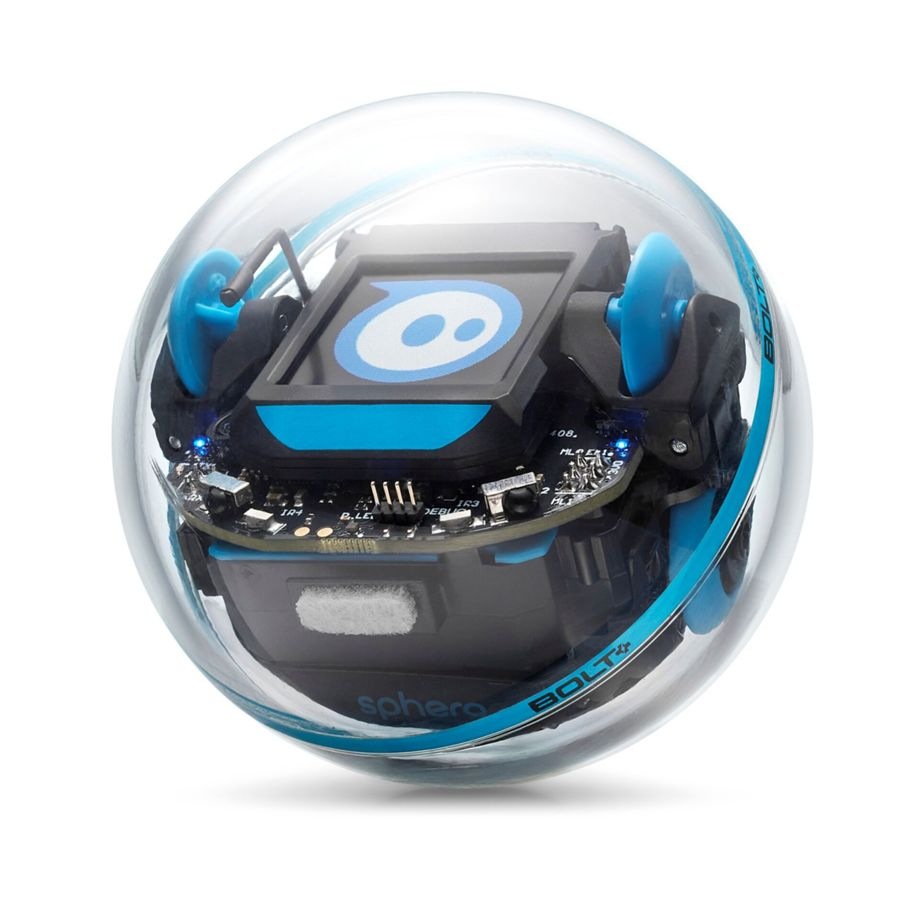
Who BOLT+ fits best
Best fit: learners who already tolerate coding on a phone, tablet or computer and will benefit from seeing programs control a physical robot repeatedly—not just for one introductory activity.
The coding runway is the main reason to buy it
Sphero supports three programming approaches: Draw, Block and Text. That gives younger or newer coders a visual entry point while allowing more advanced students to work toward JavaScript and Python without replacing the robot. This is a stronger long-term proposition than toys that top out at fixed command sequences.
What the 128×128 LCD changes
BOLT+ adds a programmable 128×128-pixel color LCD. Students can code graphics, animations and messages while also using the robot's movement and sensor data. That creates useful debugging opportunities: the screen can show state or output while the robot physically performs the program.
Physical coding and data work
Sphero highlights precise movement blocks, manual driving while a program runs, software-button responses and real-time sensor data. In practice, that supports activities such as distance/angle challenges, graphing movement, interactive stories and experiments where students predict behavior, run code, inspect the result and revise it.
Charging and classroom practicality
Sphero says BOLT+ uses wireless Qi charging, includes Shake to Wake and is designed for all-day battery life. The manufacturer also describes the shell as waterproof and durable for classroom use. Treat those as durability features, not permission to run the robot around stairs, pools or other uncontrolled hazards.
Free learning resources
Sphero provides free standards-aligned lessons, guides and tutorials through its education ecosystem. That matters because the $199 hardware makes more sense when buyers use structured activities across coding, math, science, ELA and creative projects instead of only remote-driving the robot.
Strengths
- Grades 3–10 learning range
- Draw, Block and Text programming
- JavaScript and Python progression
- Programmable 128×128 LCD plus sensors
- One robot supports pair programming for up to two learners
Tradeoffs
- $199 is expensive for casual home experimentation
- Requires a compatible coding device
- Advanced value depends on using the programming platform, not just driving the robot
- Classroom mats, covers and other accessories add cost
BOLT+ vs. Dash and screen-free robots
Choose BOLT+ when the learner wants a compact programmable platform with strong sensor/data work and progression into text coding. Choose Dash when a more expressive robot personality and guided Blockly ecosystem are more motivating. Choose Botley 2.0 when screen-free sequencing matters most.
Verdict
Sphero BOLT+ is strongest as a reusable coding platform rather than a one-off robot gift. The $199 price is easier to justify when a child or pair of learners will move from visual coding into blocks, sensor-driven projects and eventually JavaScript/Python while reusing the same hardware across many challenges.