
The three companion models parents should separate
Mobile AI pet
Loona Petbot Premium: KEYi currently lists the package at $499 with charging dock and game prop kit included. It uses a 720p camera, four-microphone array, dual-band Wi-Fi and an August 2026 memory feature tied to facial-recognition input.
Desktop expressive companion
Eilik: the base robot can work without Wi-Fi or internet according to Energize Lab. The separate AI Station adds the connected camera and AI-chat layer, so parents should distinguish the base companion from the add-on experience.
Conversational plush
Curio Grok: this is a voice-first plush companion rather than a roaming robot. Its family tradeoffs center on Wi-Fi, microphone use, parent-app setup, transcript retention and optional connected features rather than cameras and floor navigation.
Featured reviews
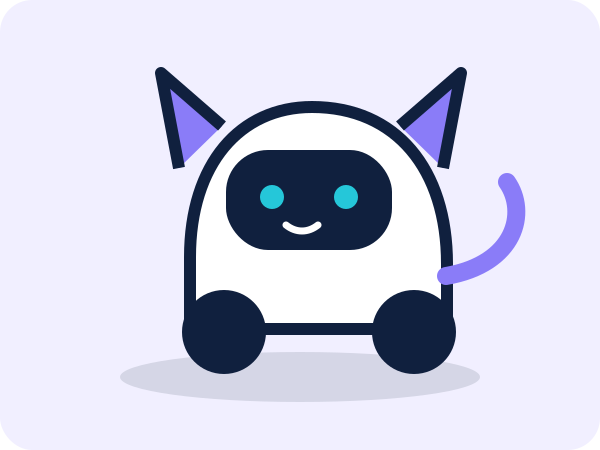
Loona Petbot Premium
Expressive roaming robot pet with camera, voice, automatic charging, current V19 memory features and a high connected-device privacy load.

Eilik
Compact expressive desktop robot whose base experience works without internet; connected AI chat and camera functions come through the separate AI Station.

Curio Grok
Screen-free conversational plush where the main buying questions are Wi-Fi, microphone behavior, transcript retention, parent controls and optional premium features.
What parents should look for
Camera and movement
A roaming camera device creates different home-use questions from a stationary plush or desk robot. Decide where it may operate, what remote-view features exist and how stairs, cords, water and private spaces are handled.
Microphone behavior
Distinguish always-listening wake-word systems, button-activated listening and devices that do not require a microphone for core play.
Memory and recognition
When a product adds facial recognition or persistent memory, review the newest controls and privacy terms after the update instead of relying on an older setup article.
Offline value
Ask what still works if Wi-Fi is unavailable or the connected service changes. Base Eilik, for example, is materially different from Eilik plus AI Station.
Our buying checklist
- Verify the manufacturer’s current age classification and whether the product is actually sold as a toy.
- Inventory cameras, microphones, facial recognition, memory, child profiles and remote-access features.
- Read the current privacy policy before enabling connected features.
- Compare what works offline and what depends on an account, app, AI service or subscription.
- Set shared-space rules for emotional conversation, camera use, charging and mobile navigation.
- Compare total ownership cost, including accessories and premium layers.