
Owner feedback status
The official AI Station product page currently displays customer reviews, but this page does not copy a star aggregate unless the exact model, count and source can be stably attributed and rechecked. The analysis below focuses on documented product behavior and parent fit.
What the AI Station actually adds
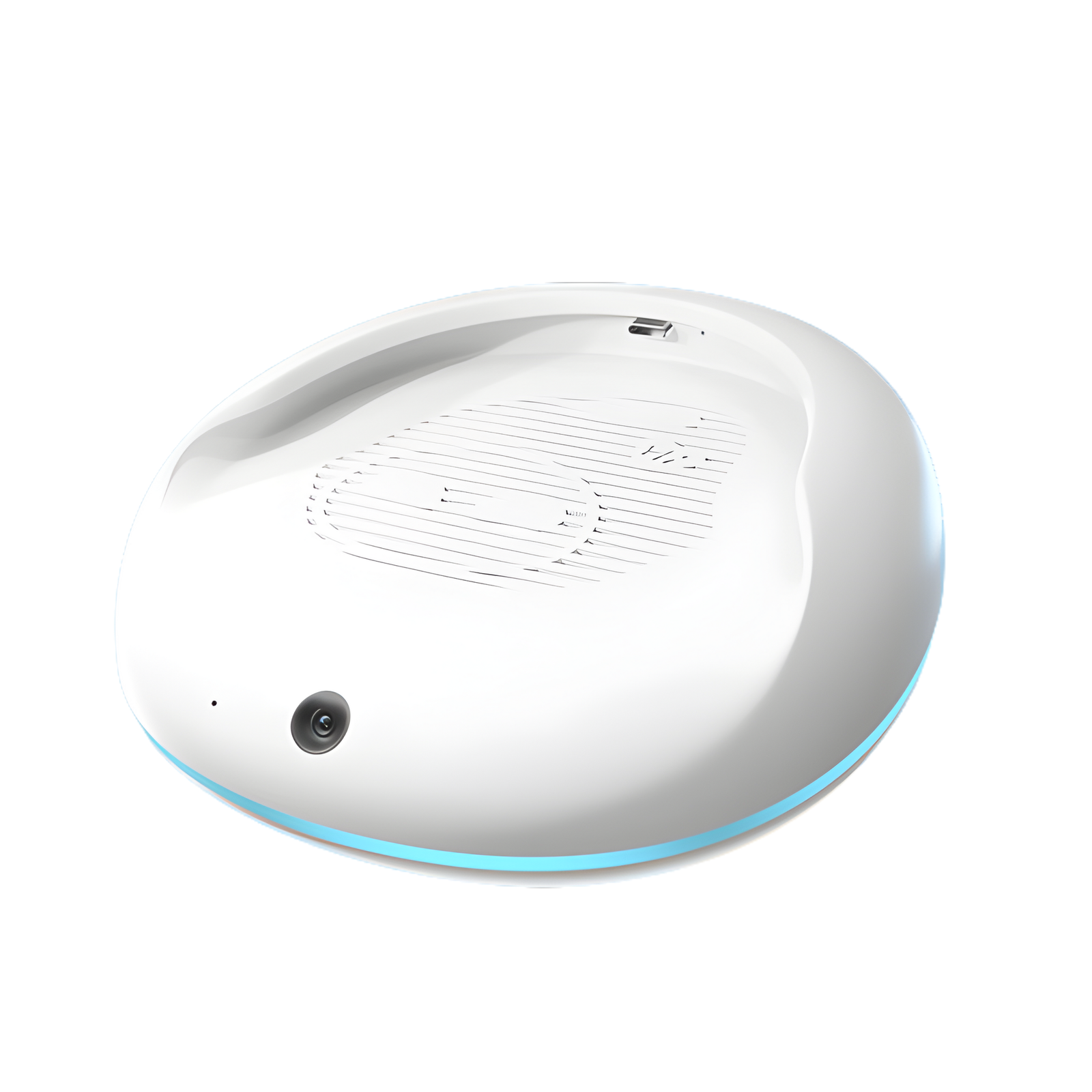
Energize Lab describes the AI Station as an add-on that gives Eilik AI chat, an integrated camera, gesture recognition and app-connected personalization. The camera can recognize hands for games such as Rock–Paper–Scissors and can be used for object-based interactions. The company also says the app can be used to introduce family members so Eilik can greet them.
Strengths
- Turns Eilik into a more capable conversational companion instead of only a reactive desk character
- Camera and gesture features create physical interactions away from a phone screen
- Energize Lab says core AI conversations and games can work offline, while networking unlocks additional features and updates
Tradeoffs
- The AI Station does not replace the Eilik robot; the robot is sold separately
- Camera, family-recognition and app features create more privacy questions than the base desktop companion
- It is not a structured coding or STEM curriculum, so educational depth depends heavily on how the family uses conversation and curiosity prompts
Educational value: curiosity, conversation and interaction
The strongest learning use is not “coding a robot.” It is asking questions, following up on facts, using the Dr. Eilik-style curiosity features, discussing stories and turning object or gesture interactions into conversation. That can support curiosity and language practice, but families wanting measurable building, programming or engineering tasks should compare a dedicated STEM kit or coding robot.
Network and offline use
Energize Lab’s current AI Station FAQ says core AI conversations and games work offline and that network setup unlocks additional features and updates. The published specifications list 2.4 GHz Wi-Fi, 5 GHz Wi-Fi and Bluetooth. That is a useful resilience advantage, but parents should still verify which exact features require an account, app or cloud connection after future updates.
Privacy questions parents should ask
The product page explains what the camera can do, but it does not on that page fully explain every retention, recognition or AI-processing detail a parent may want to know. Before enabling family profiles or network features, review Energize Lab’s current privacy policy and app permissions, confirm what is processed locally versus remotely, and decide where in the home the camera-equipped device should be used.
Best alternatives
Miko 3 is the more clearly child-focused learning robot and publishes stronger parent-control detail. Loona is the more mobile, expressive robot-pet experience. Eilik with AI Station makes the most sense when the family wants a smaller desktop companion and likes the Eilik character enough to buy into the two-piece setup.
Verdict
Eilik AI Station is a meaningful upgrade for owners who specifically want more conversation, camera-based play and gesture interaction from Eilik. It is less convincing as a first purchase for a family whose main goal is structured learning or coding, especially because the Eilik robot is a separate hardware cost. The right comparison is not “which robot is smartest?” but whether a desktop companion, mobile robot pet or child-focused learning robot best matches the family’s goal.